
Meet Your New Digital Receptionist
Never miss a booking. Never miss a message. Never leave a client waiting.
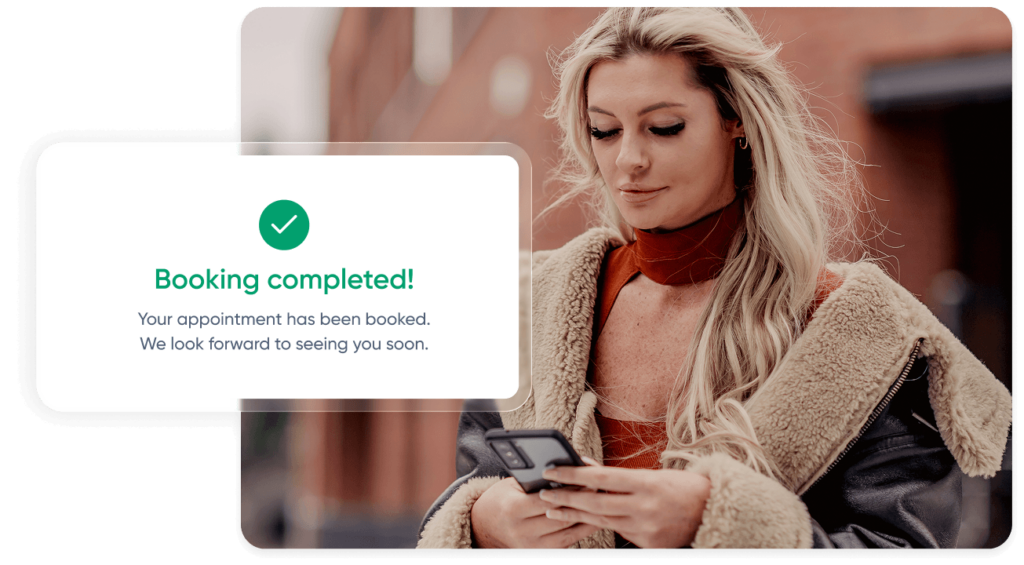
Front Desk AI manages your client messages 24/7, booking appointments, answering questions, and keeping your diary full, even when your team is busy or your doors are closed.
Auto-booking 24/7
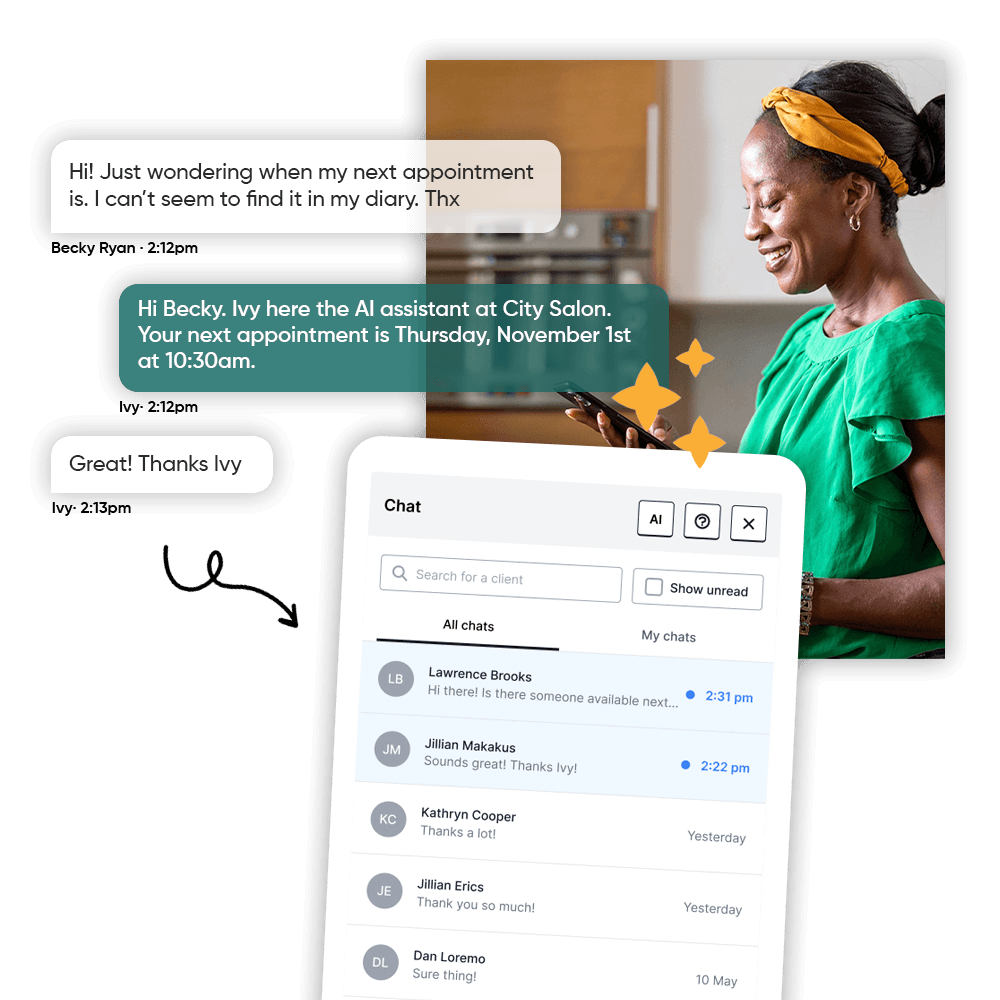
Books, reschedules, cancels, and confirms appointments in real-time
Instant SMS replies
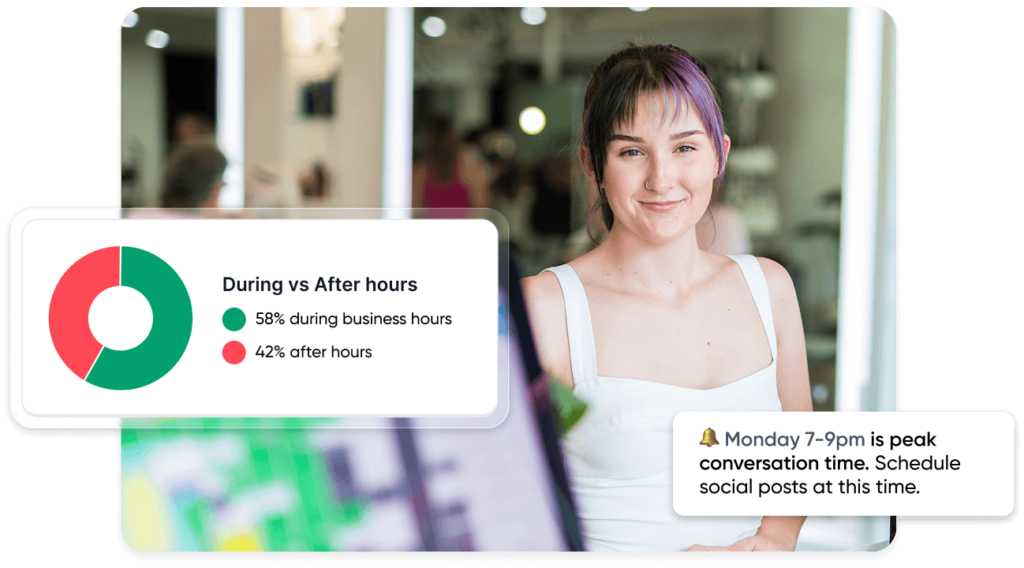
Responds to client inquiries instantly, even after hours or during peak times
Less front desk admin
Recognises your clients, their booking history, and your staff availability
Fewer gaps, fuller diary
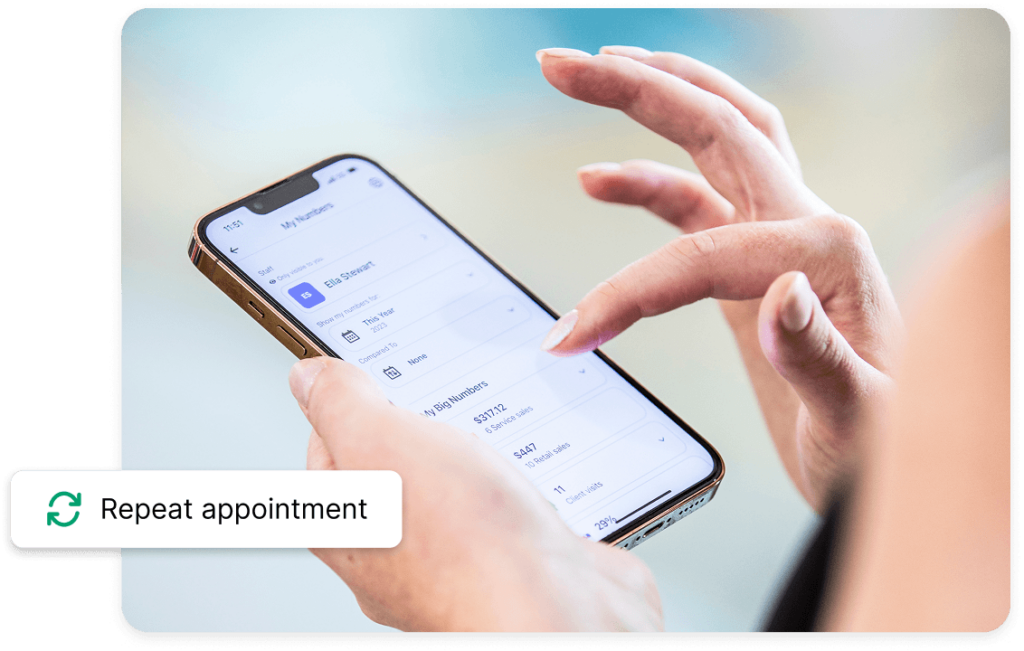
When clients request to cancel, Front Desk AI offers to reschedule first, helping protect your revenue
Seamless with Phorest
Works directly with Two Way SMS
✨ Before You Start
Front Desk AI works best when your business information is accurate and up to date. Getting this right means better conversations, fewer errors, and more bookings.
Set yourself up for success:
Double-check these essentials:
✅ Two-Way Chat is active
✅ Booking policies are up to date
✅ Staff schedules are accurate
✅ Service durations & descriptions are current
✅ Business & client information is complete
Keeping these up to date ensures responses always feel accurate and relevant.
Get Your Team On Board
Bring your team along for the journey — position AI as a helpful teammate, personalise it to your brand, set up smart responses, and start small with test mode. A thoughtful rollout builds trust from day one.
Read the Full Rollout Guide →
1. Position AI the Right Way
How you introduce Front Desk AI to your team matters. First impressions will shape how it’s received.
Some hesitation is normal, so it’s important to be clear from the start that this is here to support them, not replace them.
Keep the message simple:
- “This helps you focus on clients in the salon, not the inbox.”
- “It’s like having an extra team member handling repetitive messages.”
- “You’re always in control, this just takes pressure off your day.”
If there are concerns, address them early:
- “If something doesn’t look right, you can step in at any time.”
- “We’ll start small and test it together.”
- “Your feedback will shape how this works for us.”
Involve your team early. People are more likely to support something they’ve helped shape.
2. Give It a Name & Make It Yours
“Ivy” is the default name, but you can personalise it to better fit your brand and how your salon communicates.
This helps it feel like part of your business, not something external.
- Run a quick team brainstorm
- Keep it aligned with your brand (chic, playful, premium)
- Use the name consistently across client touchpoints
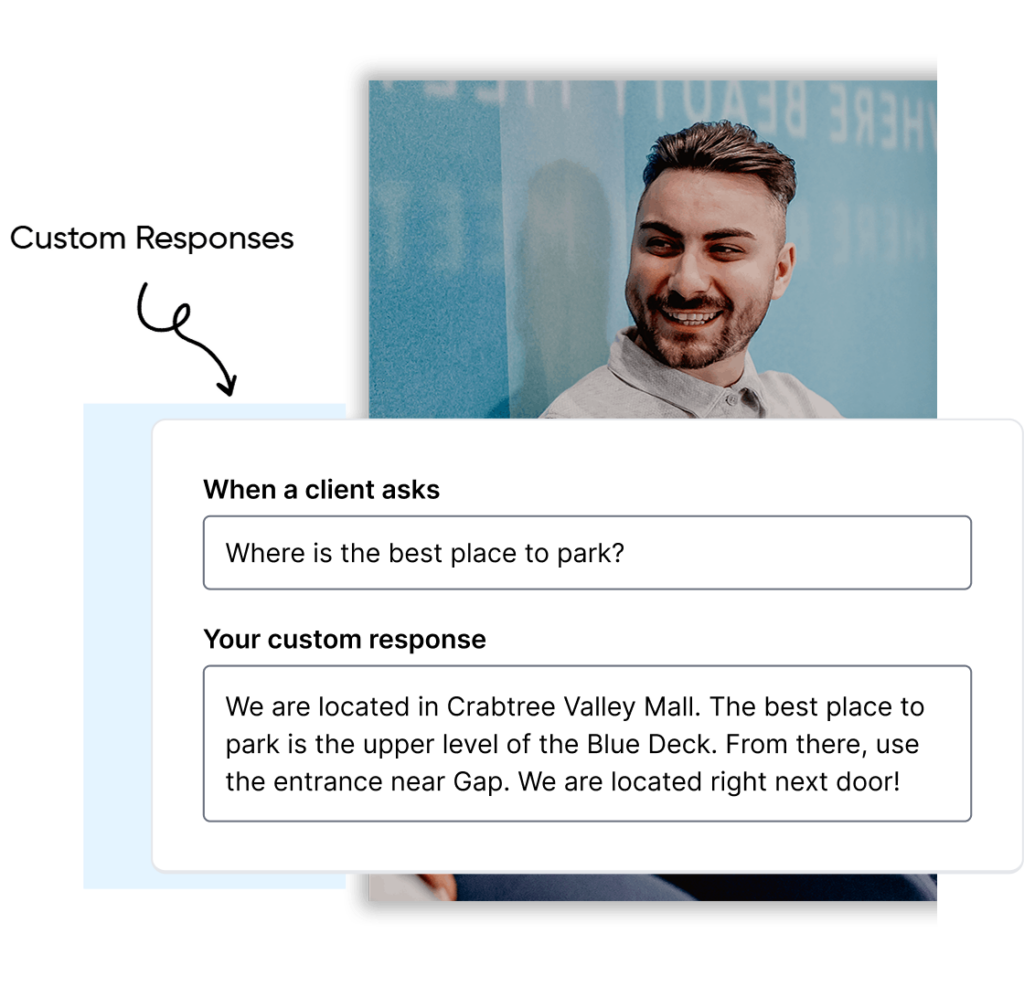
3. Set Up Your Most Common Questions
Front Desk AI is most useful when it can confidently answer the questions your clients ask every day.
Start with the basics:
Examples to include:
- “Is there parking nearby?”
- “Are you open on Sundays?”
- “Do I need a patch test?”
- “Do you allow dogs?”
- “Can I bring my child?”
Once they’re set up:
- Test them internally
- Share them with your team so nothing feels unexpected
You don’t need to cover everything on day one. Start with 5 to 10 real questions and build from there.
4. Build Confidence by Showing It in Action
Don’t just explain how it works, show it.
- Walk through real conversations
- Show how to turn it on and off
- Let your team try it in test mode
Confidence comes from seeing it work, not just hearing about it.
5. Appoint an AI Champion
Choose someone to help drive this internally. They don’t need to be a manager, just someone who is engaged and comfortable trying something new.
They can:
- Support the team day to day
- Keep an eye on early conversations
- Gather feedback from staff and clients
6. Start Small
There’s no need to roll everything out at once.
A simple approach works best:
- Test internally first
- Try real scenarios
- Review and adjust together
Then:
- Invite a small group of trusted clients
- Gather feedback
- Go fully live once confidence is high
Celebrate the early wins:
- First booking through Front Desk AI
- First after hours message handled
- Positive client feedback
Think of this like onboarding a new team member. It improves quickly with the right input.


Make Your Clients Aware
Clients care about convenience, not AI — so focus on the benefits. Use ready-made SMS and email templates, announce it on social media like a new team member, and have your team mention it casually in the salon to drive adoption fast.
Read the Full Rollout Guide →
🚨 Please note that Front Desk AI currently supports your existing clients only.
1. Focus on What Clients Care About
When introducing Front Desk AI to clients, keep the message simple and practical. Most clients aren’t interested in how it works, they just want to know how it helps them.
Focus on convenience:
- Message us anytime, 24/7
- Book or reschedule instantly
- No need to wait on the phone
2. Use SMS and Email to Announce It
To help you introduce Front Desk AI quickly, ready to use templates are available in your Phorest Marketing Suite.
You can send these via email or SMS to let clients know they can now message your business directly.
A simple approach works well:
- Start with clients who haven’t visited in a while
- Use the message as both an introduction and a gentle prompt to rebook
3. Announce It on Social Media
When sharing on social media, introduce Front Desk AI as a new part of your business rather than a feature update.
Using a name helps make it feel more personal and approachable.
Example:
“Big news: Meet Clara, our new digital assistant at Urban Salon.
You can now message us anytime to book, reschedule, or ask a quick question.
Just send us an SMS to get started.”
4. Mention It In Salon
Your existing clients are the easiest place to start.
Encourage your team to mention it naturally during appointments:
- “Next time, you can just text us, it’s usually quicker than calling.”
- “You can reschedule in the evening now if that’s easier.”
- “If you’re ever unsure about availability, just send us a message.”
This kind of casual mention often drives faster adoption than formal campaigns.
See it in Action
Want to see how this works in practice? Here’s an example of a salon that introduced Front Desk AI and what it looked like for their team and clients.